Presentations / Templates
Present with a clear point
A consistent 16:9 reference, editable PowerPoint output, and directly generated PDF slides.
Templates and examples
The reference preserves TWR’s Pandoc layout names and placeholders, adapted to Inter, Forest covers, Canvas content slides, and IVR artwork. Beamer styling is separate from the PowerPoint reference.
| Resource | Download |
|---|---|
| Editable PowerPoint reference | PPTX |
| PDF slide styling | LaTeX |
| Sample source | Markdown |
| Sample illustration | PNG · SVG |
| Generated sample | PPTX · PDF |
| Independent AI instructions | ivr-presentations skill |
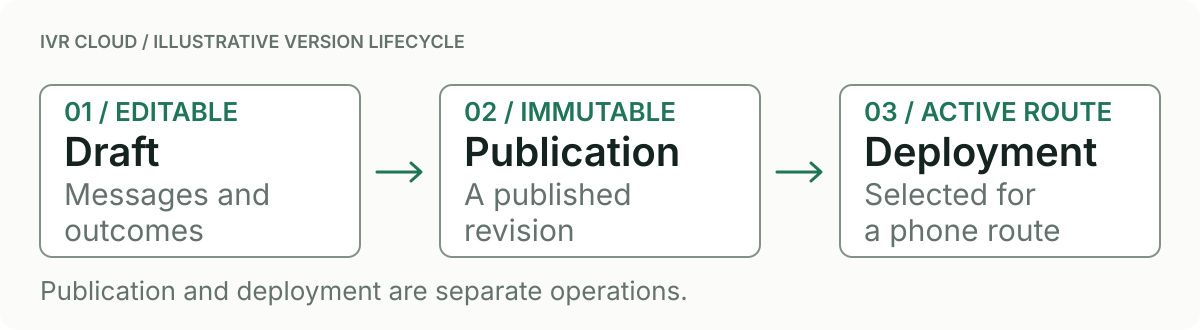
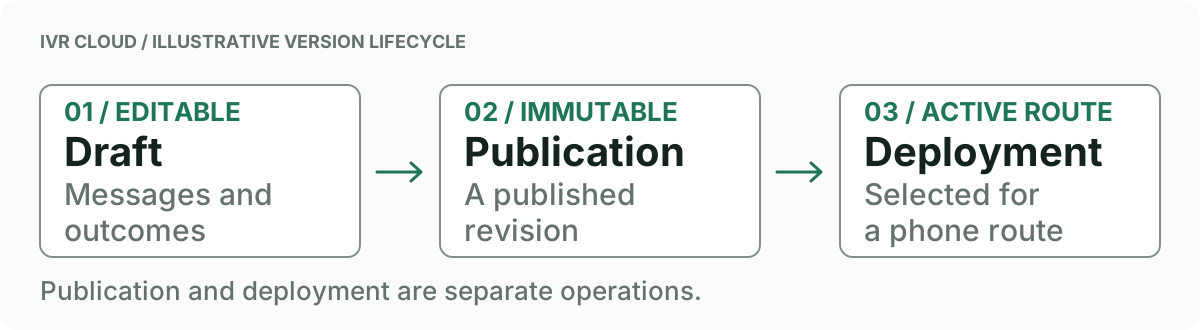
Tools and fonts
Pandoc 3.x creates PowerPoint. PDF slides additionally require XeLaTeX, Beamer, and supporting LaTeX packages. Install Inter desktop fonts; code uses separately available DejaVu Sans Mono. Neither workflow needs a helper script or Office-to-PDF conversion.
Create PPTX
Save deck.md, ivr-workflow.png, and ivr-presentation-reference.pptx in your working folder:
pandoc "deck.md" --standalone --slide-level=2 \
  --reference-doc="ivr-presentation-reference.pptx" --resource-path=. \
  -o "ivr-deck.pptx"
Create PDF slides
Save ivr-presentation.tex in the same folder:
pandoc "deck.md" --standalone -t beamer --slide-level=2 \
  --pdf-engine=xelatex -V aspectratio=169 -V fontsize=20pt \
  -V geometry:paperwidth=10in -V geometry:paperheight=5.625in \
  -V mainfont="Inter" -V sansfont="Inter" -V monofont="DejaVu Sans Mono" \
  --include-in-header="ivr-presentation.tex" --resource-path=. \
  -o "ivr-deck.pdf"
Story and layouts
The repository also preserves TWR’s optional convenience: make presentation INPUT=deck.md OUTPUT=build/deck.pptx. For a .pdf output, scripts/render.sh renders the PowerPoint file using LibreOffice; this differs from the direct Beamer PDF shown here. Pandoc defaults live in ivr-presentation-defaults.yaml. Normal website builds do not run a document renderer.
Use a 32pt Inter cover/section title, 26pt content heading, 20pt body, 16pt cover support, and 9pt footer. Keep one point per slide. Split dense slides before making text smaller. Put detail in ::: notes blocks; PPTX preserves presenter notes while this PDF command renders audience slides.
With --slide-level=2, # makes section slides and ## makes content slides. Metadata makes the cover. Columns and table/image structure guide Pandoc’s layout choice; an arbitrary written layout name is not a selector.
Edit reusable styles through PowerPoint Slide Master, preserving the expected placeholders and layout names. Keep charts and diagrams directly labeled. Use static PNG/JPEG exports for images shared between Office and PDF.
Inspect the example

The preview is a Beamer rendering, not a Microsoft PowerPoint screenshot. Inspect every slide for clipping, wrapping, fonts, contrast, notes, and table readability. PDF and PPTX use independent layouts and need separate inspection.